Development of Cheese Chasers

Cheese Chasers is out, and with it comes a development post! This is the game that took the most time to develop, that taught me more than the previous games altogether.
Let's take a look!
The theme
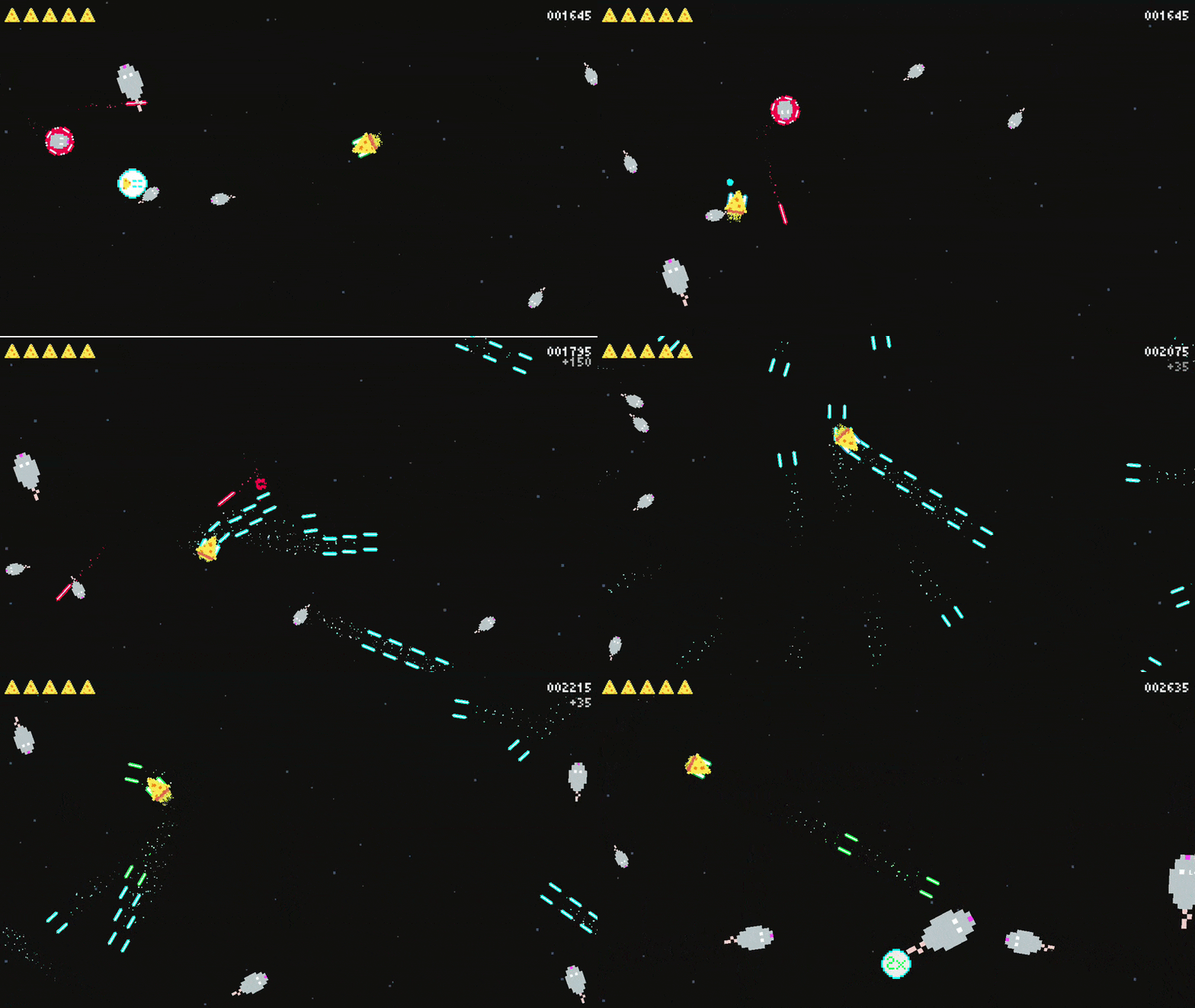
Let's get the theme out of the way first, as the concepts I learned are more important and there are quite a few of them! As usual, the setting came to me quite quickly, there's clearly a pattern in my head that wants to make quirky/goofy games. Immediately I went to "cheese with lasers shoots mice". This came to me because I tried to find a concept of "random things running around that want something, while that something can defend itself", as to counter the original asteroids idea.
Originally it was going to be more elaborate, by also making the game's complete setting be on a chopping board etc, but honestly this was already looking like a repetition of the mistake I made while developing I need to go, by over-scoping through creative ideas, even if they seem simple. So I decided to stay in space, give the cheese some lasers.
What if I give the mice astronaut helmets?
— Me
Have a read about that in the I need to go's improvement post: Improving "I need to go"
Let's get technical
Starting from here, I'll be trying to explain my understandings of various concepts I have learned while developing Cheese Chasers.
Please note that my understanding may not, and most likely is not, 100% correct.
Physics-based movement
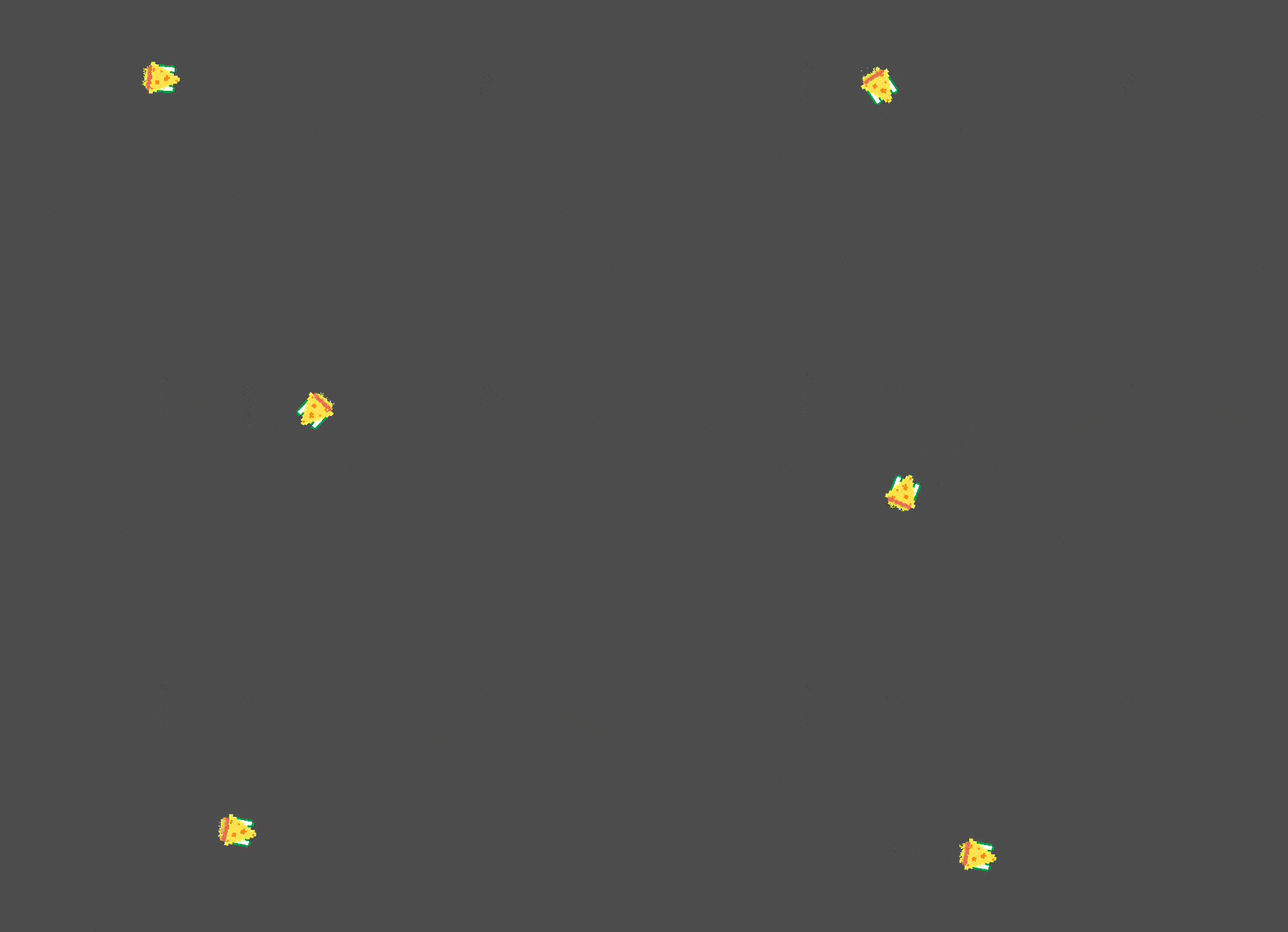
The first challenge this game had given me was the movement of the player character. Up until now I have worked with specific, controlled and predictable movement. That would not work here, we want to have a ship that floats on its own, and the player just gives it the necessary push whenever they want it to move.
I researched the documentation, and already knew about the difference between RigidBody2D and CharacterBody2D from the previous games. RigidBody2D is what felt perfect for this use case.
- We can control it through scripting.
- Godot's physics engine handles most of the work for us.
- Allowed me to learn more about the physics engine, and the lower level function "_integrate_forces".
The idea is simple. On the player's input, we apply a steady force to the ship... and yeah that's it.
Here's a snippet of what it looks like:
  const FORCE_MULTIPLIER := 100.0
  @export var acceleration_force := 130.0

  func _physics_process(delta: float) -> void:
    if Input.is_action_pressed("move_forward"):
      var force := Vector2.UP.rotated(rotation) * acceleration_force * FORCE_MULTIPLIER
      constant_force = force * delta
      return

    constant_force = Vector2.ZERO
I must say I was surprised how simple this is to implement, and it does make sense too. In hindsight, at least!
Screen wrapping
As mentioned above, I got introduced to the "_integrate_forces" function. It is a function called every frame, except this one has deeper access to the physical object's state, and according to Godot's documentation, should be used for functionality like wrapping, and generally direct adjustment of the physical object's physics.. thingies.
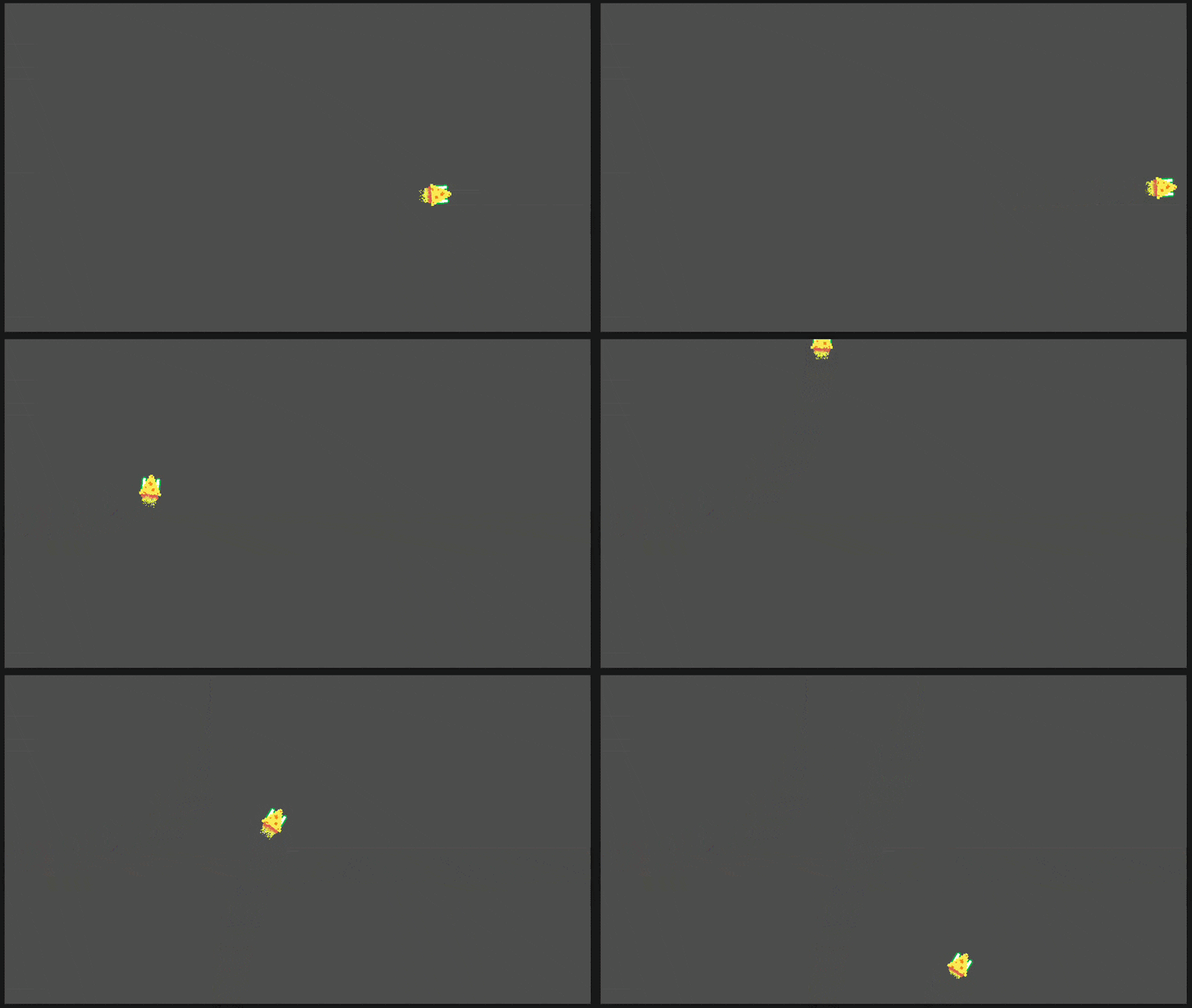
Screen wrapping is wrapping an object's position from one end of the screen to the other. For example, if the player's character goes out of bounds on the right, it should appear on the left, and vice versa.
Here's a snippet of my use of "_integrate_forces" to wrap the cheese ship:
const SCREEN_SIZE := Vector2(1280, 720)

func _integrate_forces(_state: PhysicsDirectBodyState2D) -> void:
  position.x = wrapf(position.x, 0, SCREEN_SIZE.x)
  position.y = wrapf(position.y, 0, SCREEN_SIZE.y)
Demonstration:
Angle calculations
I know that game development requires math, and I am not the worst at it, but angles have never been my strong suit.
That being said, I did learn quite a bit, and I might have stolen a few code snippets here and there from kind internet strangers.
Mice fleeing after hitting the player
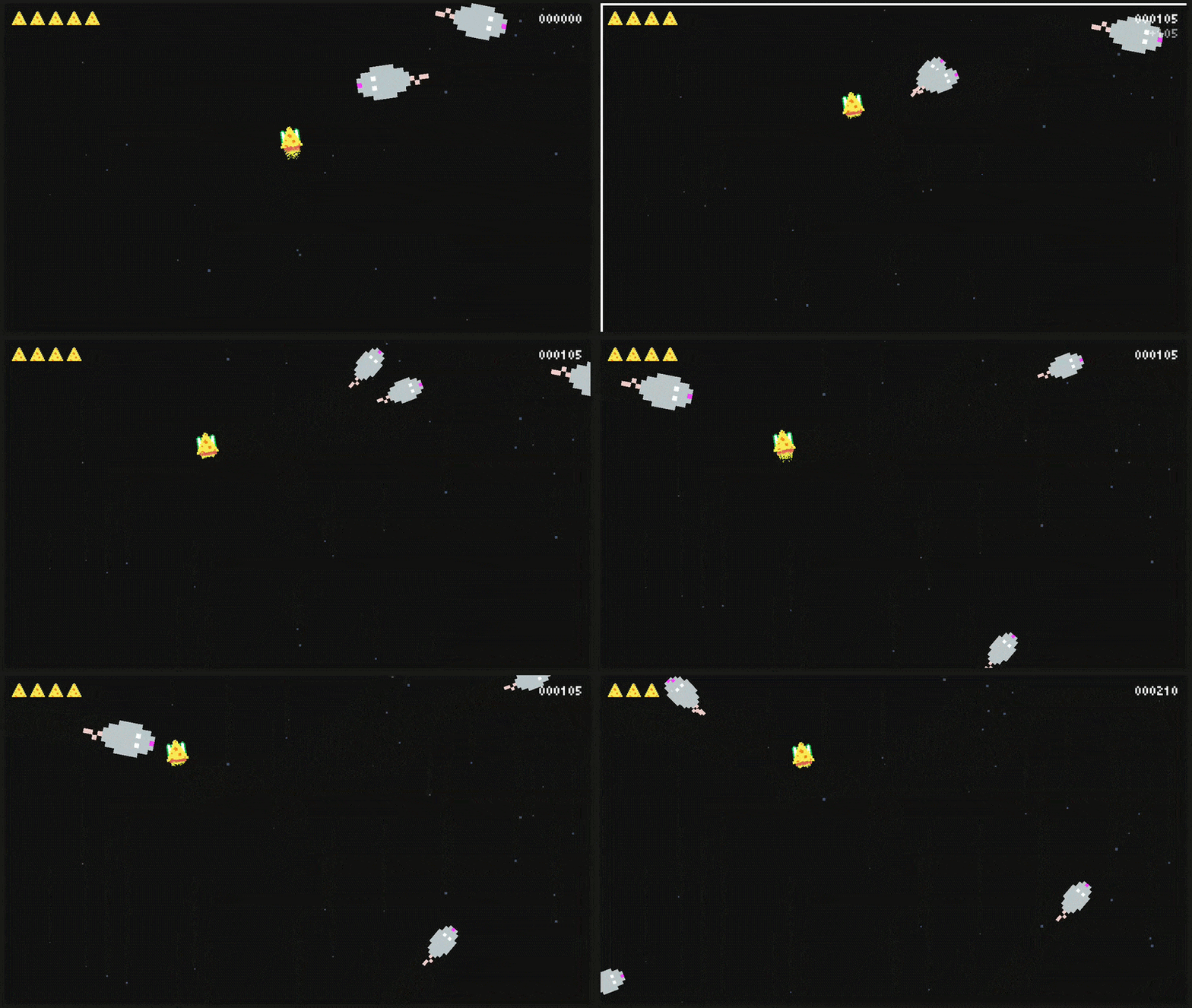
One neat feature I am proud of is the mice fleeing in the player's opposite direction after hitting them. I wanted to implement this to make the game more fair, but also to give this feeling of "bite, duplicate, run away!".
To do this, I had to figure out and calculate from which direction the mouse has hit the player, and how to reverse that direction and give it to both mice. I admit I think I made it quite hacky, but it does work consistently.
Here's the flow for this:
- The player is listening for collisions, if the collision is with a mouse, call the mouse's "take_damage" function.
- The function has an optional parameter "run_from" which when given, will pass it along to the spawn function of the duplicated mice.
- If
run_fromis given, calculate the direction from the collision point to therun_fromposition, flip it. We flip it by adding 180 degrees to the rotation (PI).
Simplified code snippet for your viewing pleasure:
  spawn_rotation = randf_range(-PI / 4, PI / 4)
  var direction_to_player := hit_position.direction_to(run_from)
  # Flip the direction by 180 degrees, add small rotation for randomness
  spawn_direction = direction_to_player.rotated(PI + spawn_rotation)
And a little show:
Particles
This one was very overwhelming at first, the amount of options, parameters and functionality the CPUParticles2D and GPUParticles2D have is a lot, not to mention me not knowing what a "material" is (I still don't, actually!).
GPUParticles2D seems to be the better option for performance according to Godot's documentation, they also mentioned they will no longer be updating CPUParticles2D in the future except for feature parity.
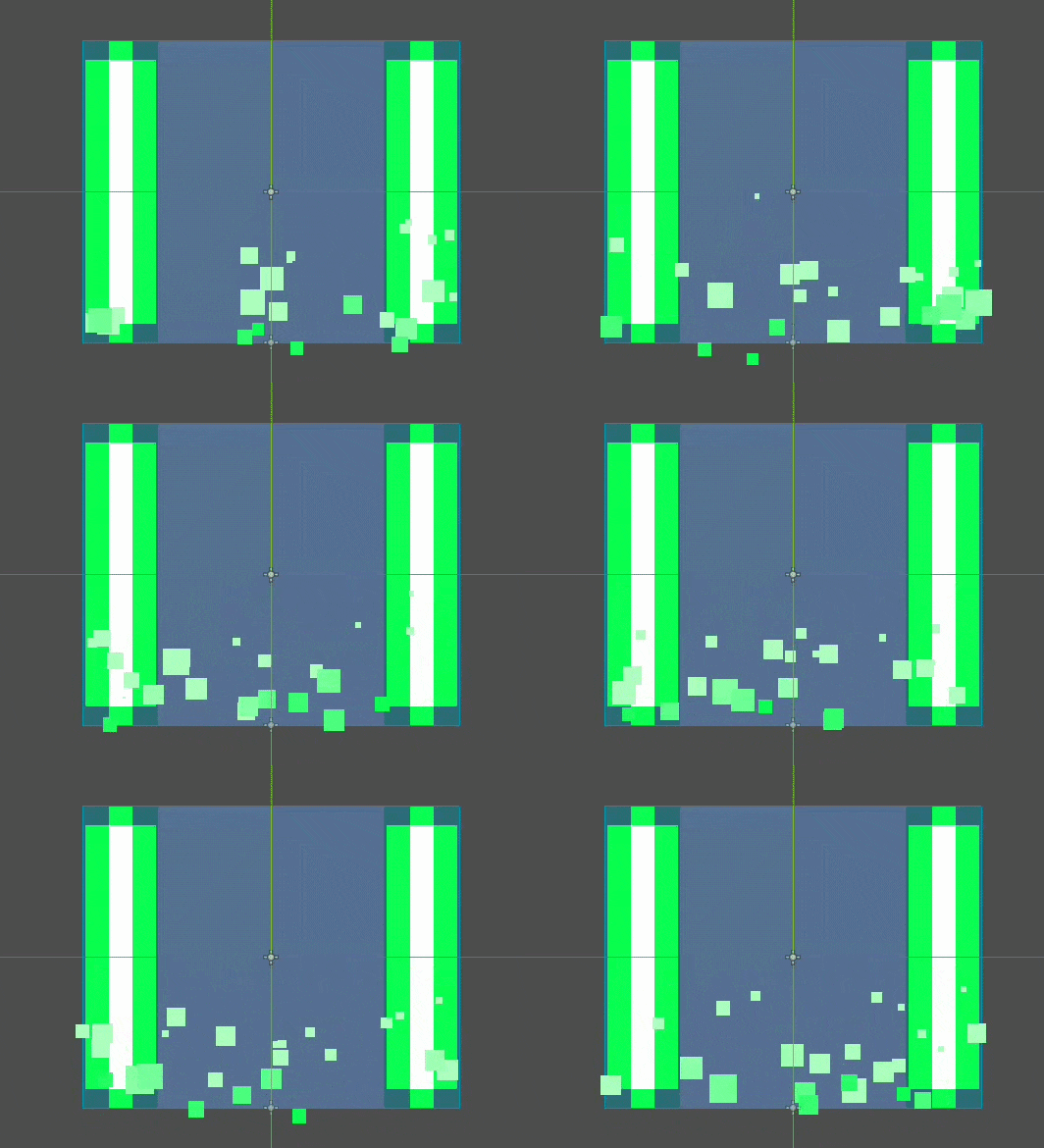
However, a neat tutorial by YouTuber DevWorm helped me understand all of these functionalities, and made them a lot less scary. I'm not going to dive into how they work, that'd be a bit too much. In my own words, they are a bunch of extremely simple and small objects being emitted from a certain shape, and because you can control their colors, shapes, sizes, velocities, ... you can make them look like basically anything. Fire, explosions, tracings, ... The world's your oyster there.
Game juice
Particles are part of game juice, but there's a lot more to it.
I watched another YouTube video, a talk by Martin Jonasson & Petri Purho, where they show and explain so well what game juice is all about, and what it can do for one's game with appropriate usage. It really motivated me to implement a couple of things to make this game feel more polished, and the most fun game to play so far.
Tweens
The name apparently comes from "in-betweening", it's essentially a quick and cheap way to animate something, and then throw that animation away, then recreate it again. Endless loop if you want it to be.
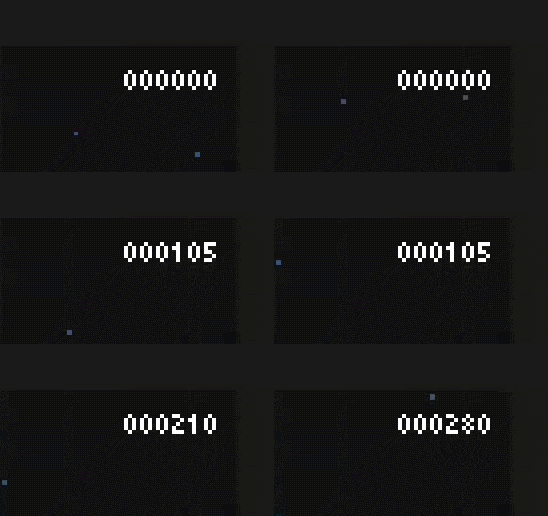
I used tweens to animate the score, and to scale up the mice when they spawn. I am still exploring how tweens work, but they're clearly a powerful tool to create all kinds of animations, effects and transitions. You can adjust properties, call methods and/or other properties in parallel, or in sequence. You can also define the length of this process, as well as the easing function.
Note: I'm still figuring out how to use different easing functions properly!
Here's the code I used to animate additions to the player's score:
# Create a Label, position it in the score container, align, add to scene.
var tween_label := Label.new()
tween_label.position = score_container.position
tween_label.size = score_container.size
tween_label.horizontal_alignment = HORIZONTAL_ALIGNMENT_RIGHT
tween_label.text = "+" + str(score_to_add)
if _double_score:
  tween_label.add_theme_color_override("font_color", Color(1.0, 0.878, 0.302, 1.0))
stats.add_child(tween_label)

# Create a tween, adjust properties
# Animate the position and opacity of label, then free it
var final_position := tween_label.position + Vector2(0, 16)
var tween := create_tween().set_parallel().set_trans(Tween.TRANS_QUINT).set_ease(Tween.EASE_OUT)
tween.tween_property(tween_label, "position", final_position, 0.5)
tween.tween_property(tween_label, "modulate", Color(1.0, 1.0, 1.0, 0.5), 0.5)
tween.chain().tween_callback(tween_label.queue_free)
Here's what this looks like in the game:
Camera shake
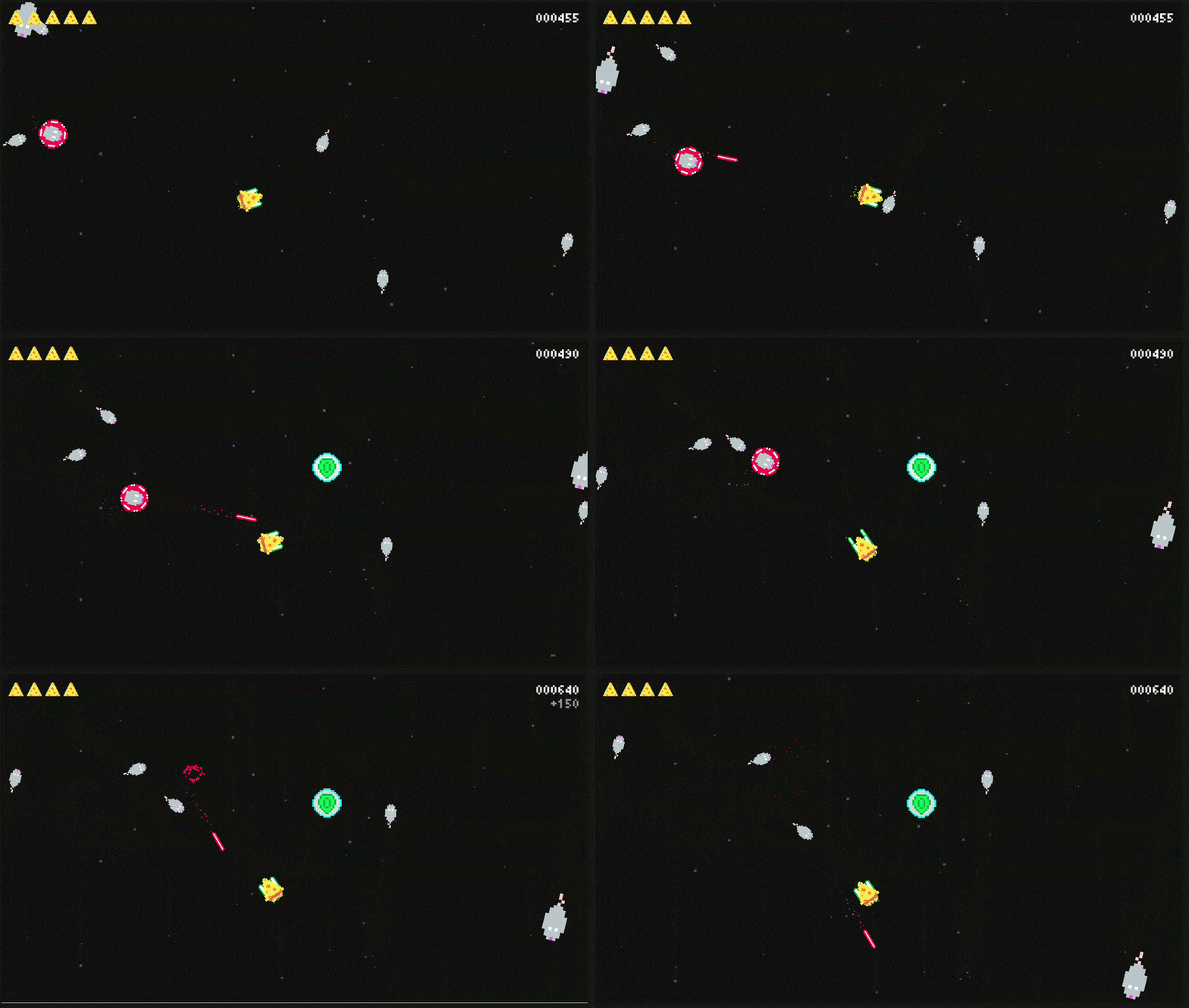
Not gonna lie, this little effect is so strong, and adds so much to the game when it really doesn't do much behind the scenes. Reading a tutorial made by KidsCanCode, I quickly was able to implement a camera shake effect. Again, it adds a lot!
You can fetch the code from the tutorial. In essence, we have a Camera2D node, and we change its offset property by a certain amount, and it slowly goes down to 0 over time.
Sound effects
Honestly, this can be a whole post of its own, but I'd like to keep it concise. This was the first time I used other tools than my mouth to create sound effects. I have to give credits to this wonderful video by Jonas Tyroller, it quickly got me started on creating all kinds of weird, goofy, terrible, and hilarious sound effects.
I am building a lot of respect for sound designers, because hearing the same sound or voice over and over and adjusting it over and over gets tiring quickly. Props to y'all!
Sound effects obviously add a major part to the game's personality. It's not easy, but damn is it worth it, and damn does it make a huge difference. I never thought I'd be using a lighter or pencil case to make sound effects.
GUI
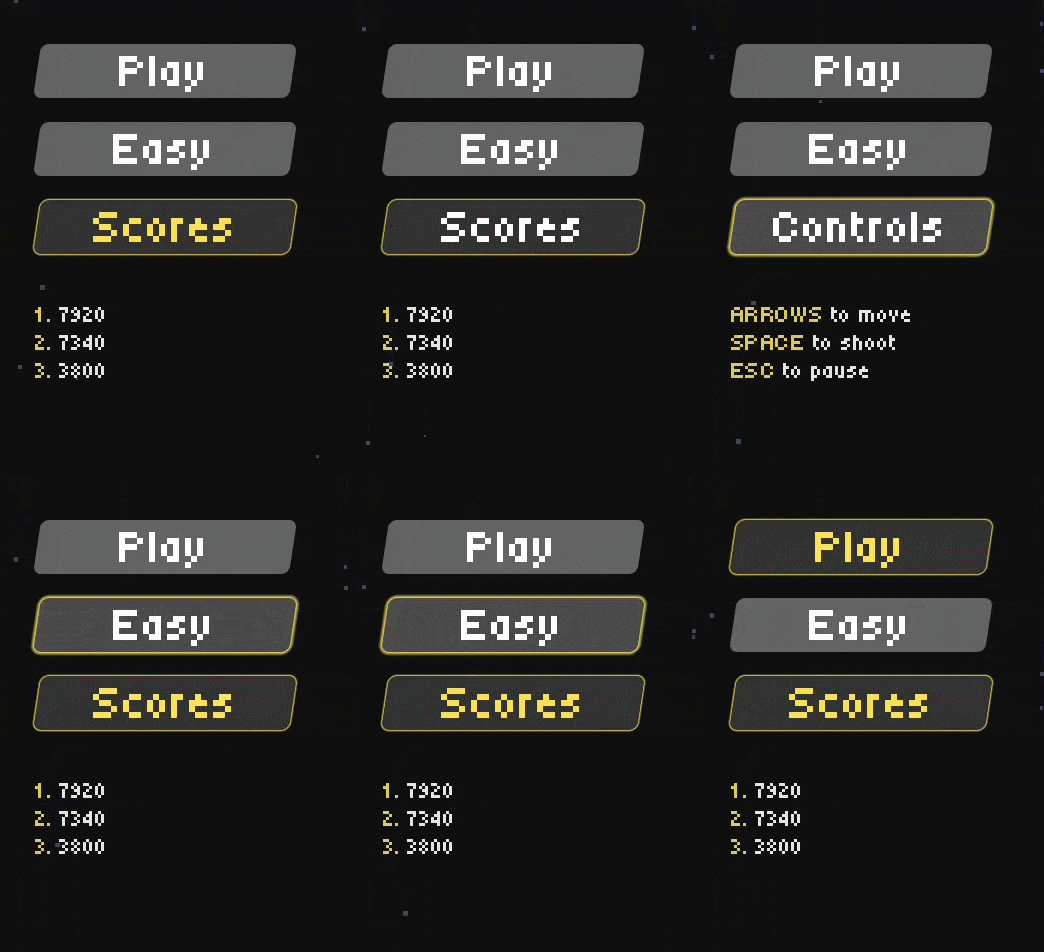
I put more effort into the general GUI of the game. Button animations, hover states, pressed states, appropriate sound effects based on the action ...
Following StayAtHomeDev's tutorial on UI basics definitely gave me a strong foundation to work with.
Take a look at the buttons in action, and let's move on to coding patterns!
Coding patterns
Throughout development, I had more than enough struggles trying to keep the code scalable, clean, and yet fitting Godot's way. I even reached out to the community for help and I got a few responses, they were all so helpful. Let me address each.
Ah wait, the problem first: Notifying the game of something happening, without the parent having easy access to the node emitting the event.
EventBus pattern
A suggestion made by @TentaDev and @NereusDev!
His idea was to create an EventBus pattern. I researched it and it's basically the observer pattern for those who know their way around software engineering patterns. Have a central communication point of signals that any and all nodes can connect to, and emit to.
I watched this GodotCon talk and Eric explains it very well.
Verdict: While this pattern seems extremely useful, and I really would like to use it in the next game, I ultimately didn't go for it as I saw no other use for it than the issue I had at the time and thus found it slightly overkill.
Manager pattern
A suggestion made by Emmett Friedrichs on Bluesky!
Immediately came at me with a manager pattern. Again, I researched it and it seemed to be a perfect fit for my needs. Let the manager handle the lifecycle and signaling of the aforementioned nodes. This way most of the work can be done in the manager, and whatever still has to come through to the game scene, can be emitted from the manager.
Verdict: This pattern is awesome and it perfectly fit my needs. I used it to spawn and handle power-ups, as well as to spawn and handle cheese hunters (the red, loud, mice ships that shoot back at you).
See the code for the power-ups manager or check out the cheese hunters manager.
Yeah I mixed up the naming in code. Sue me.
Future
A quick look into what I have noticed will be useful for the next game's development. What I have told you about so far are the main ingredients for Cheese Chasers, but I sure as hell have become aware of these two concepts that will prove very useful for future games.
Godot resources
I'm not entirely sure how they work yet, but I understand they are basically data objects that can be applied to your scenes. I am planning to use this for the ghosts in the next game, Pac-Man. Instead of creating different scenes for each ghost, I will try to create a resource for each ghost with their stats, sprites, ...
I encourage you to check out Godot's documentation on these, as I am still learning them myself!
State machines
While working on the player's character, I felt myself increasingly frustrated with the amount of various paths its code can take, and how fragile it can be.
When looking through the internet for tutorials related to the EventBus and Manager patterns, I found the concept of a state machine. It would've been a great solution for the player's character in Cheese Chasers, but it'll have to be for the next game.
In essence, it is a state tree that the code can path through, and each state has its own code, properties and logic. That way you can have only specific code run depending on the state of the character.
GDQuest's tutorial on this reads like a great start, I cannot wait to implement it!
Lessons learned
Oh god, so many. Cheese Chasers felt extremely productive, it wasn't an easy game to develop. Not because of the logic, but because learning the basics of many new concepts took its sweet (and deserved) time.
I'd like to sum up the challenging parts of the development in one word: Neverending.
There is always more that I want to add, more that I want to improve and polish, more that I want to learn. However, I try my best to stay disciplined and focus on the main goal. Releasing the game, that is.
There is also so much more I could write about, but I think I got the most important parts covered. To sum up what new stuff I have used for the first time:
- Particles
- Camera shake
- Screen wrapping
- Tweens
- Non-vocal sound effects
- Various coding patterns
- Various angle calculations
- Physics-based movement
- ... So much more!
This game was a major step forward for me. I am confident in my skills improving on so many fronts.
Give Cheese Chasers a try on itch.io and let me know what you think!
As always, I sincerely hope my journey can bring you some value on your own.
Thanks for reading! ❤️
I want to read more!
It'd be my honor.
- Development of "I need to go": Read through my previous development process!
- I need to go released!: Try my previous game and see the difference in my development!
- Cheese Chasers released!: Check the announcement post!